Install the Moghamo United FC App
Get live club updates, match results, and breaking squad news delivered straight to your home screen. No App Store required!
📱 For Android & Standard Mobile Browsers
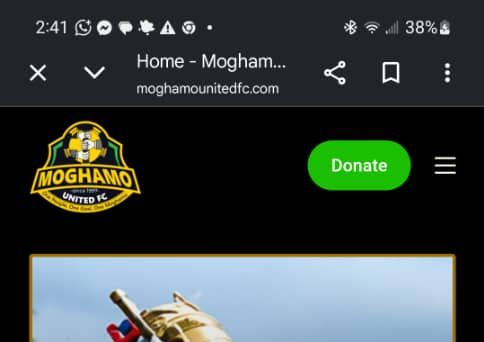
Tap the three-line hamburger menu icon located in the top corner of our website header.
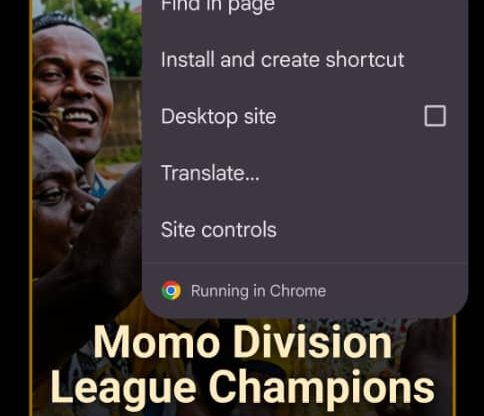
Look inside the sliding drawer menu pane and tap the “Install App” (or “Add to Home Screen”) option to add Moghamo United FC to your device.
🍏 Apple iOS (iPhone & iPad) Users
To receive our daily push notifications on an iPhone, Apple requires you to open moghamounitedfc.com in your built-in Safari browser and explicitly save the app:
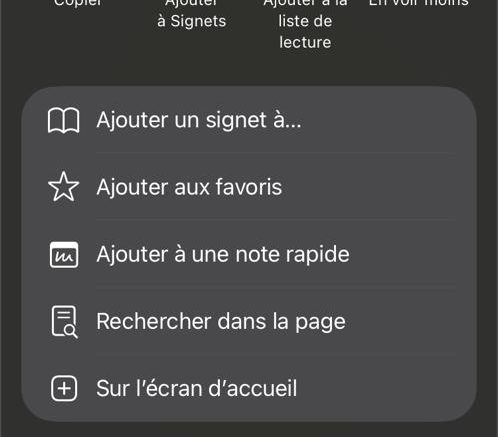
Tap the Safari Share button at the bottom of your screen (the square icon with an arrow pointing up).

Scroll down the share option menu list and select “Add to Home Screen”. Launch the new app from your screen and click “Allow” when prompted for notifications!